
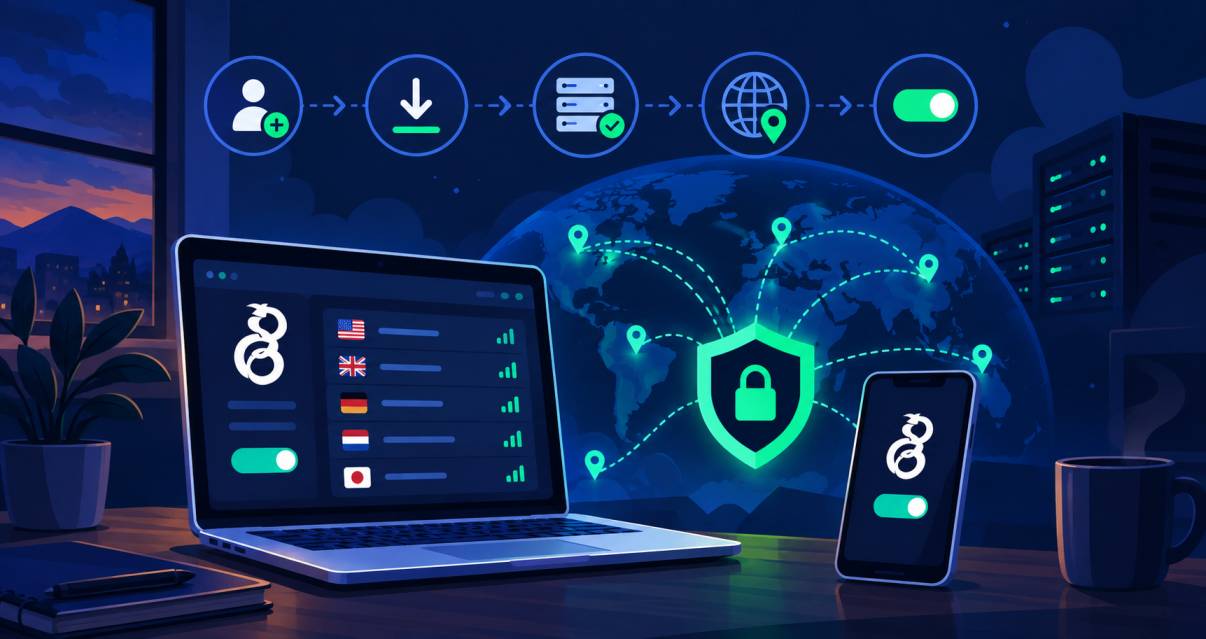
You can get free WireGuard access in several ways: use a VPN provider that offers free access, like Shieldway, find a public WireGuard configuration, or run your own server on a machine you control. For most users, a provider or ready-made configuration is the simplest starting point, while self-hosting provides more control over the server and its settings.
The app itself does not provide VPN servers or remote infrastructure. You need a compatible server and a configuration file or settings before you can connect. Depending on the option you choose, you may also encounter limits on server locations, bandwidth, connection speeds, or the number of devices you can connect.
Before using a free server, check who operates it, where it is located, what privacy practices apply, and whether there are bandwidth or usage limits. A free option can be useful for testing the technology, but the provider's policies and infrastructure should be reviewed before you rely on it for regular use.
Where Can You Find Free Access?
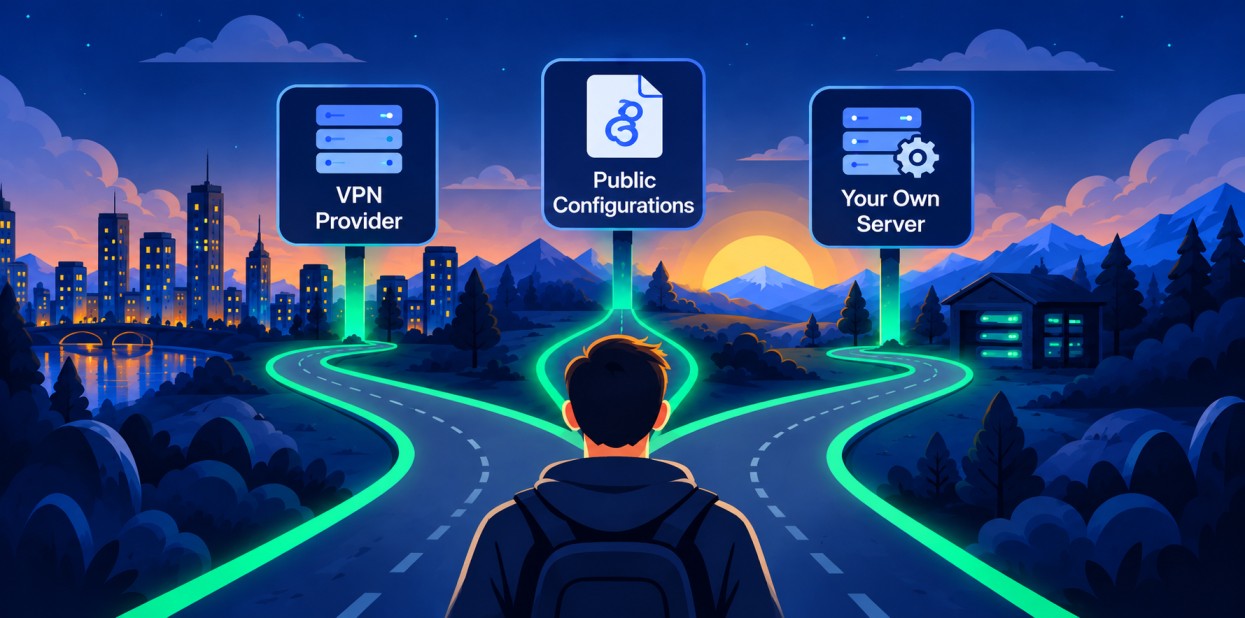
There are several ways to get access without paying immediately. The main options are a provider, a public configuration source, or a machine you control.
Shieldway is one example of a service that provides free access without requiring users to build and maintain their own infrastructure. It can be useful when you want an easier starting point than configuring and maintaining a remote machine yourself. You can also review its access options on the Shieldway, account page, or Linux page.
Free VPNs are already used by a significant share of VPN users. An August 2025 Ipsos survey of 2,196 online British adults found that 16% used a free VPN for personal browsing, compared with 8% who used a paid VPN.
Free Providers
A no-cost service can provide ready-made credentials and a downloadable connection file. This is often the easiest route because the provider handles the remote infrastructure, routing, maintenance, and account management.
Check what the plan includes before connecting. A secure service should also state its privacy practices clearly. Look at locations, traffic limits, bandwidth, logging statements, and whether the service permits the activity you need.
Public Sources
Some communities publish connection profiles for testing. These sources can be useful, but you may not know who operates the host or how long the credentials will remain active.
Avoid downloading files from unknown pages. A malicious profile could redirect traffic or expose your connection to an untrusted operator. The tunnel should only carry traffic you are comfortable routing through that operator.
Your Own Setup
You can create a WireGuard configuration on a machine you control. A Linux instance can act as the endpoint, while SSH or Docker can help with administration. You can also review the server configuration before enabling it.
This approach gives you more control, but it is not always completely free. Hosting companies may offer trials or free tiers, while many charge after the introductory period ends.
Free Server Lists
Public lists can contain many options, but availability changes frequently. An entry may disappear, reach its usage limit, or stop responding without warning.
Treat these lists as temporary resources rather than permanent infrastructure. Verify the source and inspect the supplied settings before importing anything.
USA Endpoints
If you need a U.S. location, look for a provider that clearly identifies its U.S. endpoints. A U.S. endpoint can help when testing websites, applications, or regional content. It can also be useful for video calls when the route is stable.
Location alone does not prove that an endpoint is trustworthy. The operator and its privacy practices still matter.
What Is a Free Endpoint?
A remote endpoint is a computer that lets a device send traffic through another network before it reaches the public internet. The connection can help with masking your IP address from websites while the provider or host controls the remote endpoint. A virtual private network can change how your internet connection travels, while the resulting internet traffic still reaches its destination through the chosen host.
WireGuard as a VPN Protocol
WireGuard is designed for straightforward deployment and maintenance compared with many older alternatives. The design is open-source, cross-platform, and designed for broad deployment. The software is widely deployable across common desktop and mobile systems. Its structure is simpler for many common deployments.
The design uses a peer model. One side acts as the local device and the other supplies the remote endpoint. A WireGuard server provides that endpoint, while the client handles the local connection.
How WireGuard Encryption Works
It is a modern VPN approach. It uses ChaCha20, Poly1305, Curve25519, and BLAKE2 as part of its cryptographic design. The design also supports secure key rotation and perfect forward secrecy goals through its key-handling model. It combines state-of-the-art cryptography with a small codebase and aims for better performance without unnecessary complexity. Its key exchange uses public-key material.
Compared with IPsec, the design has fewer moving parts. Traffic can be routed through a proxy when a different path is needed, and some users may try to bypass local network restrictions, although no private connection guarantees access to every blocked service.
The connection creates a tunnel between peers. It can provide high speed when the underlying network is capable, and some tests may show higher speeds than OpenVPN in comparable conditions. Each packet is authenticated before it is accepted, helping protect data from tampering during the connection. It can also provide a high-speed connection when the underlying network supports it.
How to Choose a Secure Remote Endpoint
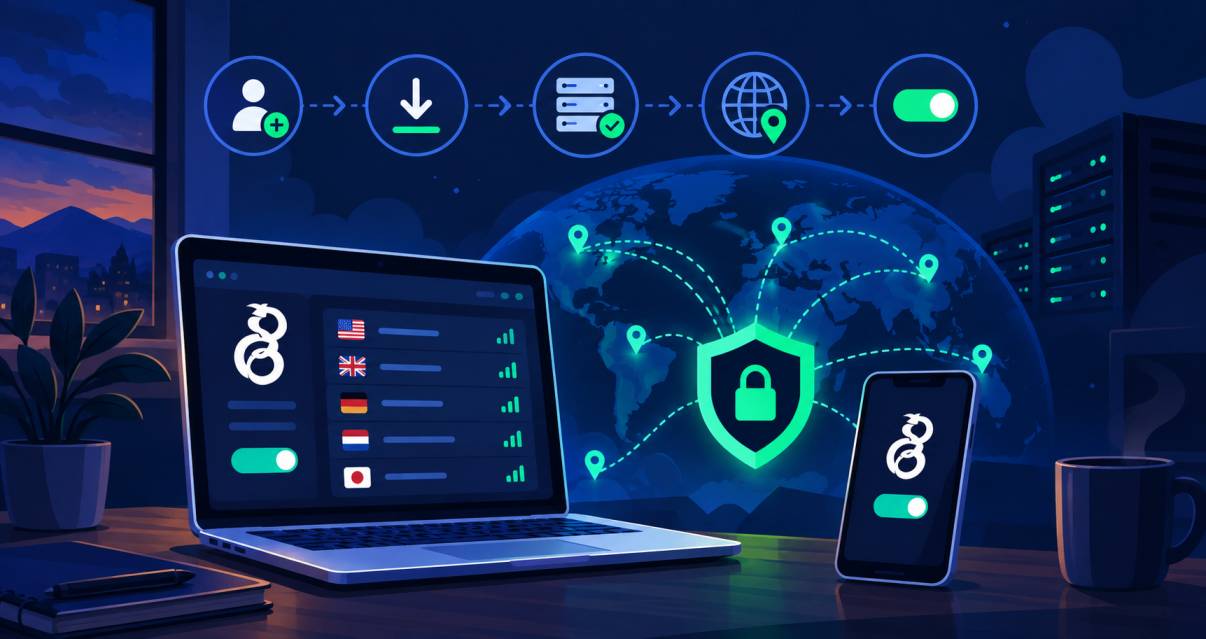
Choose an endpoint based on the operator, location, privacy policy, software maintenance, and practical limits. A trustworthy provider should clearly explain how it handles traffic and what information it stores.
For privacy, encrypting your connection can reduce what an ISP can see directly, while privacy tools can reduce exposure from ordinary tracking and secure the digital footprint. This does not provide complete anonymity, and it does not prevent every form of monitoring the online activity.
If location matters, choose an endpoint in the country you need. Connecting through another country can change the apparent location of websites and services.
What Is a WireGuard Profile?
The configuration contains the information needed to establish a peer connection. It normally includes keys, an address, a listening port such as 51820, and information about the remote peer.
A typical conf file contains an Interface section and a Peer section. Treat the file as sensitive because private keys authenticate the device.
Understanding a WireGuard Configuration
A WireGuard configuration contains settings that define your local connection and its remote peer.
Interface
The Interface section describes the local device. It can include a private key, an assigned address, DNS settings, and other connection parameters. You can configure these values manually when required.
Peer
The Peer section identifies the remote side. It can include a public key, allowed IP ranges, an endpoint, and a persistent keepalive value when needed.
How to Get a Free Profile
The simplest method is to create an account with a provider that offers free access and download the required file. Some services also provide a QR code for mobile setup.
On a phone, use the QR code directly from the provider's dashboard. On desktop systems, import the file into the official client app.
How Long Does a Free Profile Last?
The lifetime of a free profile depends on the provider or source. Some credentials remain active until deleted, while others expire after a fixed period or become invalid when an account reaches a usage limit.
Always check the provider's current terms rather than assuming a free credential is permanent.
How to Connect
Install the appropriate client for your operating system, import the profile, and activate it. On mobile, select the profile and allow the operating system to create the connection.
Before browsing, confirm that the profile is active and check whether your public address has changed if that is one of your goals. Test a few websites and make sure normal applications still work.
Can You Host Your Own Server for Free?
You can host your own setup at little or no initial cost when you have access to a suitable machine or a legitimate free hosting tier. However, free hosting often comes with restrictions on storage, traffic, processing, or duration.
A self-hosted setup gives you control over the software and credentials, but you are responsible for updates, firewall rules, routing, and monitoring.
Are Free Servers Safe?
Free access is not automatically unsafe, but it should be evaluated carefully. The main risks are unknown operators, outdated software, unreliable routing, and profiles obtained from questionable sources.
Server Security
Look for current software, clear ownership, secure key handling, and a documented privacy policy. Avoid credentials that ask you to install unrelated applications or disable security features.
Free Server vs. Provider
Choosing between a self-hosted server and a provider depends on how much control and technical work you want. A self-hosted setup gives you more direct control over the server, while a provider handles most of the infrastructure for you. The table below compares the main differences to help you decide which approach fits your needs.
Feature | Self-hosted setup | Provider |
Cost | May be free during a trial or free tier | Often has a free plan |
Control | High | Depends on provider |
Maintenance | You handle it | Provider handles it |
Locations | Depends on hosting | Depends on available locations |
Setup | More technical | Usually easier |
Why Use a VPN Service?
A managed VPN service can remove much of the technical work involved in maintaining your own endpoint. Instead of configuring routing, maintaining a server, and handling updates yourself, you connect through infrastructure operated by the provider. This can be useful for public Wi-Fi, travel, testing, or everyday privacy, especially if you want a ready-to-use connection rather than managing a remote machine.
VPN use is common among consumers. A 2026 Security.org survey of 1,008 U.S. adults found that 42% reported using a VPN for personal or work purposes, with privacy and security among the commonly reported reasons. The 2025 AV-Comparatives Security Survey gathered 1,277 valid responses from users in 93 countries and also examined consumer attitudes toward VPNs, privacy, and security.
Why Use Shieldway As Your Free Service Provider?
Shieldway provides a managed WireGuard connection without requiring you to set up and maintain your own server. Its features include WireGuard, a hard kill switch, private DNS, location selection, and a built-in speed test. You can review the Shieldway features for more details.
The free plan includes:
Up to two registered desktop devices
One active connection at a time
Access to available Shieldway VPN locations
ByteConnect bandwidth sharing for free access, which can be disabled
Support for Windows 10 and 11, macOS, and x86_64 Linux
For users who want straightforward access without managing server infrastructure, a managed service can be a simpler alternative to running their own endpoint.
VPN Usage and Privacy Statistics
VPN use has become an increasingly visible part of how people manage privacy and security online. In its 2025 Online Nation report, Ofcom found that daily VPN use in the UK more than doubled after age-assurance requirements came into force in July 2025, reaching around 1.5 million daily active users before falling back below 1 million by the end of October. Ofcom notes that VPNs can provide additional privacy and security, including when using public Wi-Fi.
UK government research also provides broader context around VPN use. A 2026 government report found that around a quarter of children aged 11 to 17 had used a VPN, with privacy and access to online content among the most commonly reported reasons.
Frequently Asked Questions
Finding and using free WireGuard servers can involve questions about access, configuration, server locations, connection problems, security, and device compatibility. The answers below explain what to check when choosing a free server and how to connect safely.
Can I use it for free?
Yes. Some providers offer free access with limits on locations, traffic, speed, or account features. Free access can be enough for testing or occasional browsing, but check the current terms first.
Is there a free service that uses this VPN technology?
Yes. A free service may provide ready-made access based on the same technology. Availability, locations, and usage limits vary, so compare the actual terms rather than relying only on the word “free.”
Is WireGuard a VPN protocol?
Yes. The technology defines how two peers authenticate and exchange protected traffic. It is separate from the provider that supplies the remote endpoint.
Can it be self-hosted?
Yes. You can install the software on a compatible Linux machine or another supported platform and manage the peer settings yourself. Self-hosting provides control but also makes you responsible for security and maintenance.
Can I host my own setup for free?
Sometimes. A spare computer, home connection, or legitimate free hosting tier can reduce the cost, although your internet provider may impose restrictions on hosting or outbound traffic.
Where are free servers located?
Their locations depend on the provider or public source. Common locations include the United States and European countries, but availability can change as capacity changes.
How do I find a compatible server?
Start with a provider or source that clearly identifies the operating system, location, and supported protocol. Then check whether the endpoint is active and whether the supplied settings match your client.
How do I connect?
Install the appropriate client, import the profile, and activate it. If the provider supplies a QR code, scan the QR code with the mobile application instead of manually entering every field.
How can I get a free configuration?
Create an account with a provider that offers free access, then generate or download the required file. Keep the credentials private and do not upload the file to public websites.
Is it safe to use free servers?
It depends on who operates them and how they are maintained. Free access does not by itself guarantee privacy, so check the operator, security practices, and terms before routing sensitive traffic.
Is a free option secure?
A free option can be secure when the provider uses current software, protects credentials, and follows sound security practices. Cost alone does not determine security, but unknown operators deserve additional caution.
Can I get a free USA endpoint?
Yes, if a provider currently offers U.S. access on its free plan. Availability can change, so confirm the location before creating or downloading a profile.
Why is my connection not working?
Common causes include an expired profile, incorrect keys, an unavailable endpoint, blocked traffic, or conflicting network settings. Re-download the latest profile and check the client's connection log before changing advanced settings.
Which devices support it?
Compatible clients are available for Windows, Android, iOS, macOS, and Linux, with implementations also available for BSD and other platforms. This makes the software broadly supported across phones, computers, and network devices.
Does it work on Linux?
Yes. The software can operate inside the Linux kernel, which helps keep the implementation lean. Linux users can also manage connections through command-line tools and standard networking utilities.
Conclusion
Free access can be useful when you want to test private connectivity without committing to a paid plan. The safest approach is to choose a known provider or carefully verify a self-hosted setup, protect your credentials, and test the connection before relying on it for important activity.
The technology is designed to reduce implementation complexity compared with many older systems, but the provider still matters. Whether you choose a free plan, public source, or your own infrastructure, review the operator, location, privacy practices, and technical settings before connecting.